Making of a alien base with L-System | 使用L-system建模外星基地
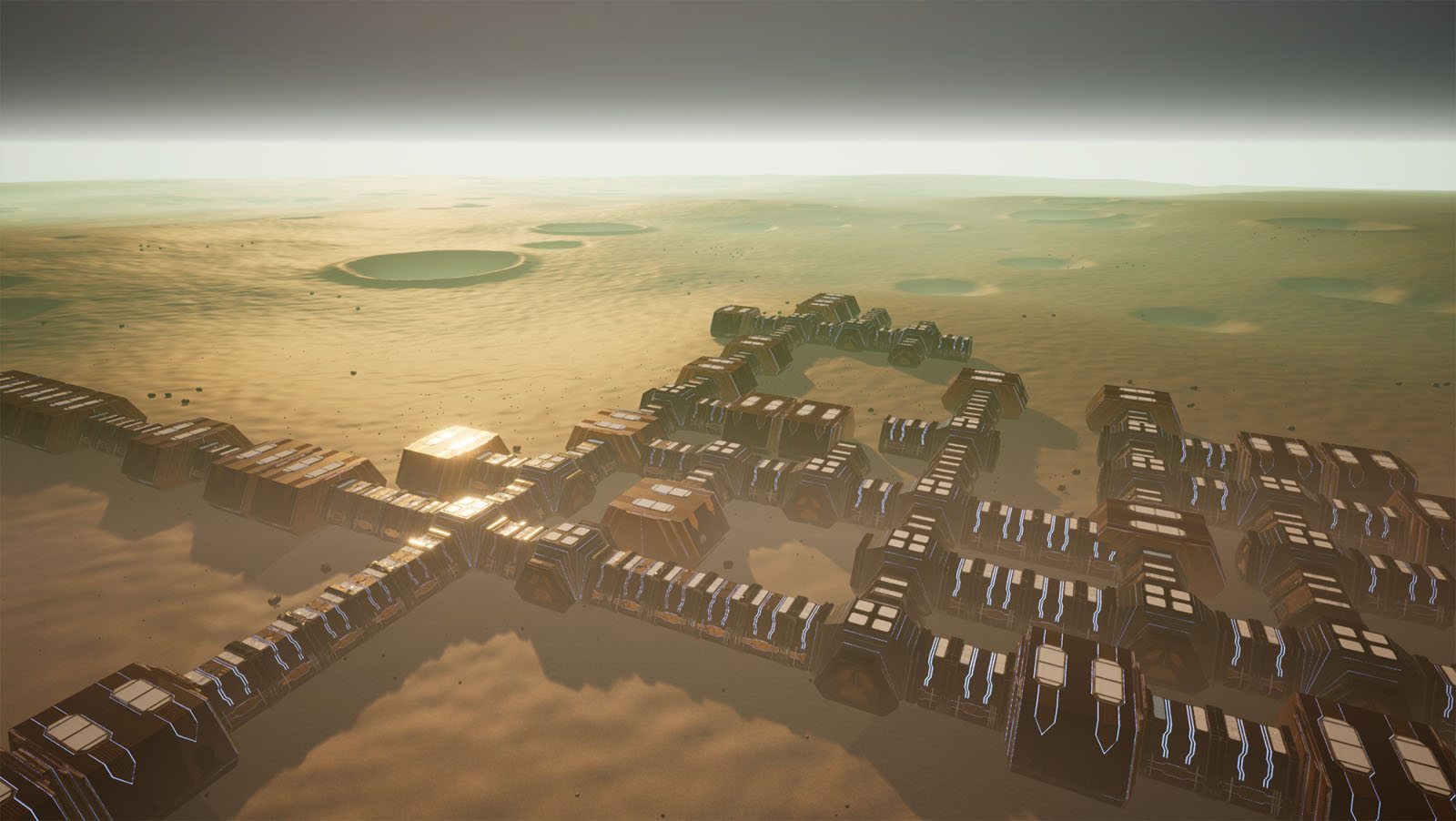
Procedural建模中有一套比较特殊的基于规则的方法,一般都是衍生自L-system。最早是匈牙利植物学家lindenmayer提出的,L-system也就是Lindenmayer-System的简称。自然界的植被(Speedtree),建成环境(CityEngine)基本都是基于L-Systemd的。Houdini里直接有现成的节点提供。
不过问题是这种L-System不支持与环境交互或者与自己的交互,对local constraint和global goal没有知识。
Měch提出了Open L-System,用于建模与环境交互的植被。
Měch, Radomír, and Przemyslaw Prusinkiewicz. "Visual models of plants interacting with their environment." Proceedings of the 23rd annual conference on Computer graphics and interactive techniques. ACM, 1996.
%!(EXTRA markdown.ResourceType=, string=, string=)
Parish使用L-System建模街道时提出了Extended L-system,有判断local constraint和global goal的条件
Parish, Yoav IH, and Pascal Müller. "Procedural modeling of cities." Proceedings of the 28th annual conference on Computer graphics and interactive techniques. ACM, 2001.
我们也需要一个extended l-system类似物。幸运的是Houdini VEX就是SIMD多线程并行,天生支持重写L-system。只需要让一个点代表一个L-system的字母,记录参数;之后每次都可以对所有点做遍历,满足条件的做替换。
比如规则A:FA
就可以直接写成一个solver加一个point wrangler,snippet是
if(@growing == 1){
    vector new_pos = v@direction + @P;
    addpoint(0, new_pos);
    @growing = 0;
    setpointattrib(0, "direction", v@direction);
    setpointattrib(0, "growing", 1);
}
每个点记录一个值,保存当前是否是需要增长的点;还存一个方向,用于L-System的F操作
原始的建模规则是下面九条,其中A是走廊,B是十字交叉点,C是房间;
前三条替换走廊,中间三条在交叉点处按概率分叉
后三条生成房间或者继续生成走廊
A=F(8)A:0.2
A=F(8)B:0.4
A=F(8)C:0.4
B=F(4)[-F(4)A]F(4)A:0.2
B=F(4)[+F(4)]F(4)A:0.2
B=F(4)[-F(4)A][+F(4)A]F(4)A:0.6
C=F(8)C:0.3
C=F(8):0.5
C=F(8)A:0.2
很容易就可以翻译成VEX的形式生成点
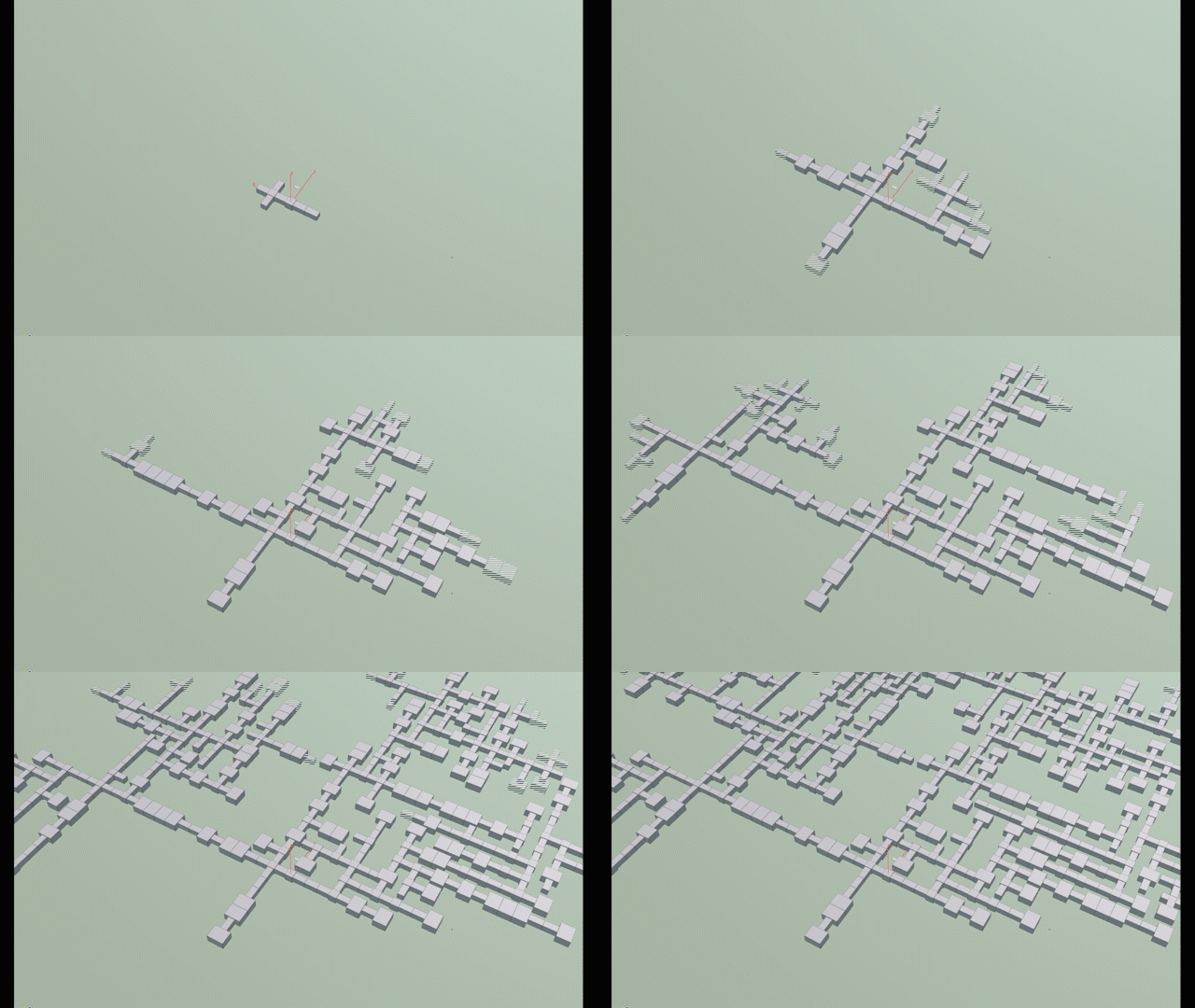
有关L-system的参考
Houdini帮助里就用L-system生成房间平面的案例
下面这个拓展了那个案例
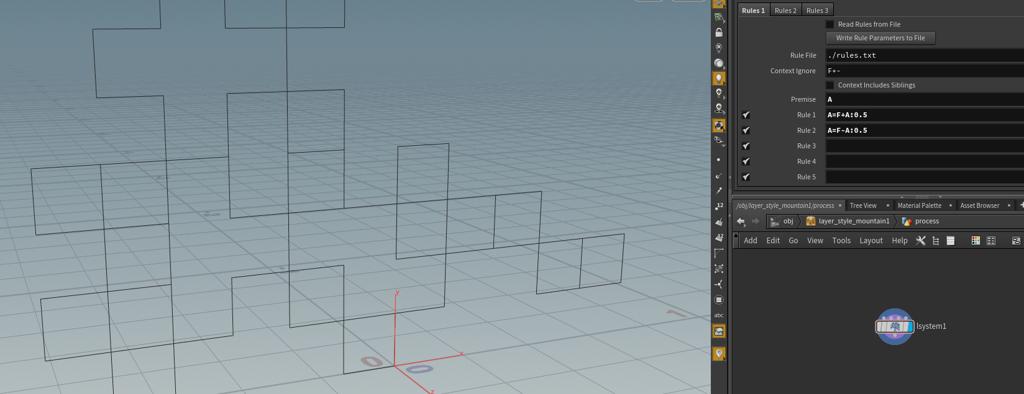
https://lesterbanks.com/2018/09/procedural-modules-houdini/
下面有两个例子
http://www.toadstorm.com/blog/?p=214
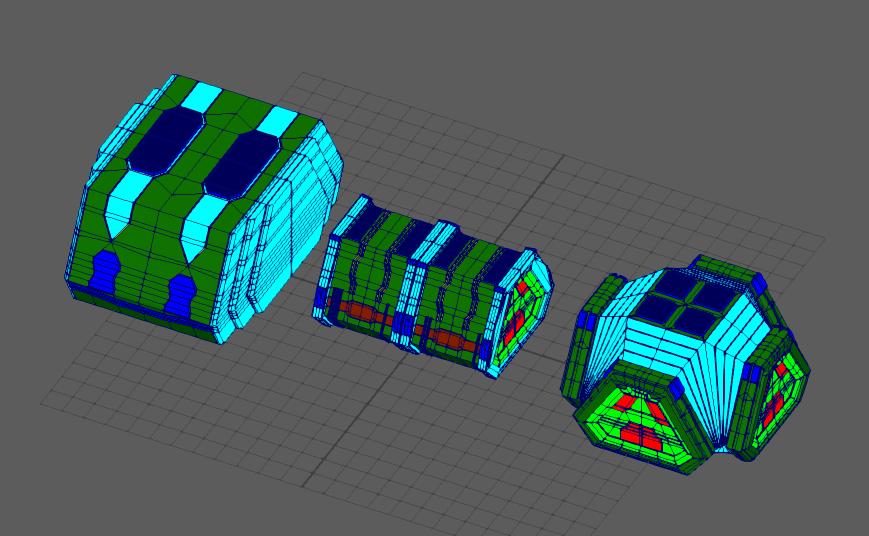
另外Houdini生成后的模型如何导入UE4也是个问题,如果模型合并在一起导入,模型太复杂,引擎里Lightmap UV基本就展不开了,而且做不了LOD。还是得点云导入,引擎内重建
引擎内可以重写一个DataTable用于存数据,Houdini写出的数据直接拖进引擎就好了。
#pragma once
#include "Engine.h"
#include "Engine/DataTable.h"
#include "PlacementDataRow.generated.h"
USTRUCT(BlueprintType)
struct FPlacementDataRow : public FTableRowBase
{
       GENERATED_USTRUCT_BODY()
public:
       UPROPERTY(EditAnywhere, BlueprintReadWrite, Category = "PlacementData")
              FRotator Rotation;
       UPROPERTY(EditAnywhere, BlueprintReadWrite, Category = "PlacementData")
              FVector Position;
       UPROPERTY(EditAnywhere, BlueprintReadWrite, Category = "PlacementData")
              TSoftObjectPtr<UStaticMesh> Template;
};
UE里支持导入CSV或者JSON成为datatable,Houdini这边导出还是选择的JSON
import json

node = hou.pwd()
geo = node.geometry()

# Add code to modify contents of geo.
# Use drop down menu to select examples.

type_name = ["/Game/Art/Model/cube.cube", "/Game/Art/Model/cylinder.cylinder"]

count = 0
entity_list = []
for point in geo.points():
    entity_dict = {}
    pos = point.position();
    entity_dict["Name"] = count
    posdict = {}
    posdict["X"] = pos[0]
    posdict["Y"] = pos[2]
    posdict["Z"] = pos[1]
    entity_dict["Position"] = posdict
    rot = point.attribValue("rot")
    rotdict = {}
    rotdict["Pitch"] = rot[0]
    rotdict["Yaw"] = rot[1]
    rotdict["Roll"] = rot[2]
    entity_dict["Rotation"] = rotdict
    type = point.attribValue("type")
    entity_dict["Template"] = type_name[type]
    entity_list.append(entity_dict)
    count += 1

json_str = json.dumps(entity_list)
#print json_str

fo = open("placement.json", "w")
fo.write(json_str)
fo.close()
print fo
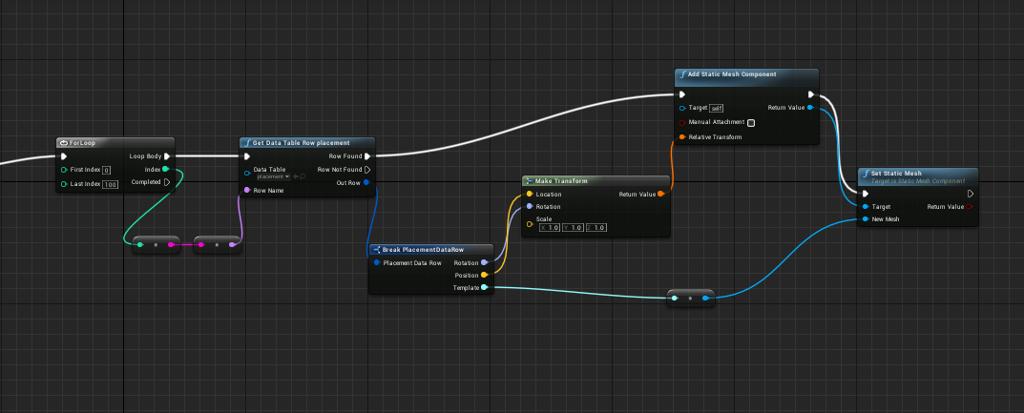
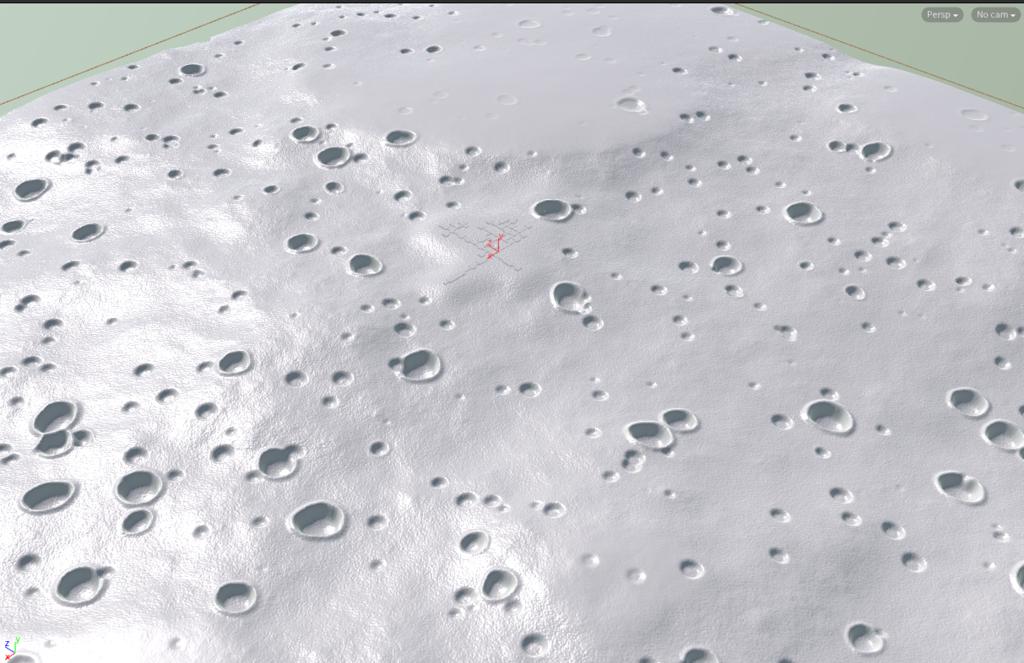
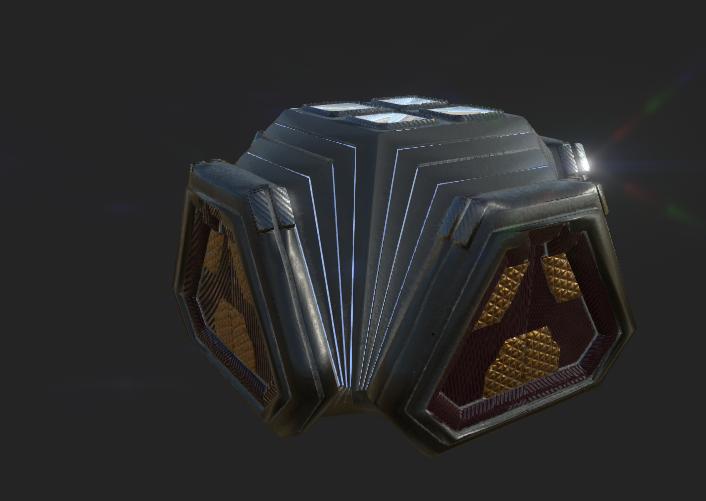
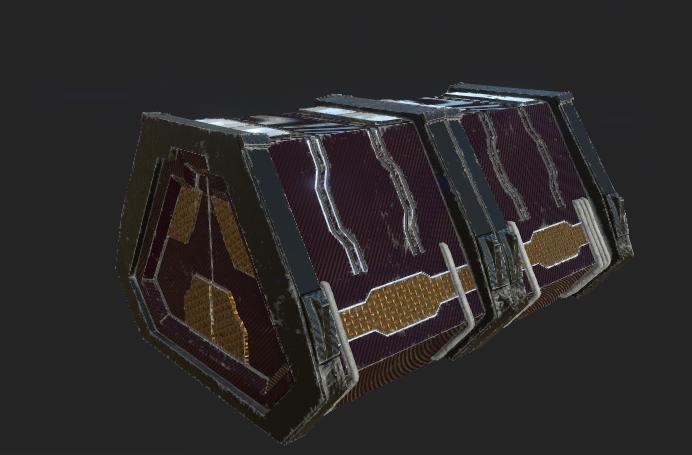
之后用一个BP重建就好了

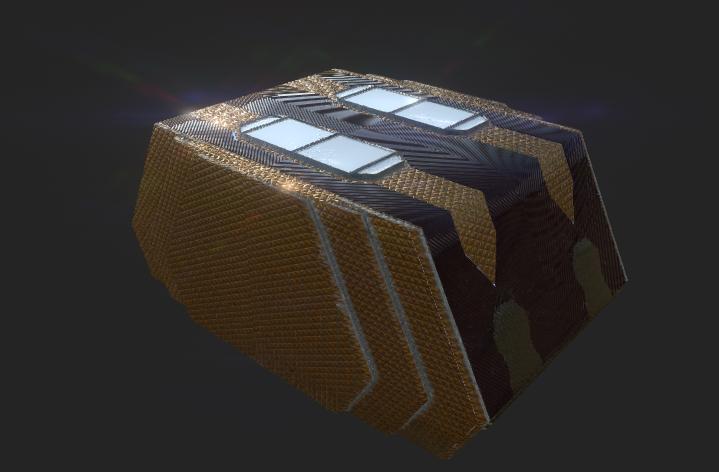
%!(EXTRA markdown.ResourceType=, string=, string=)